

Modular School ERP: Start with the Modules You Need
A modular school ERP lets you switch on only the modules you need now and add more later. See how modular software fits different schools and workflows.
What is a modular school ERP?
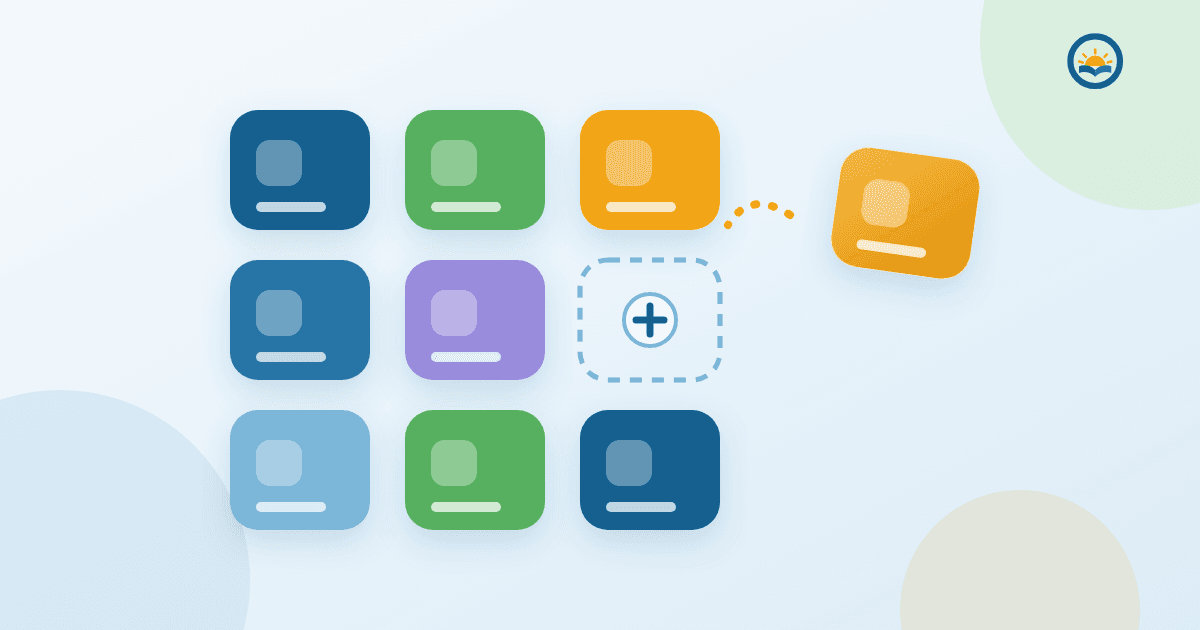
A modular school ERP is built from separate modules, such as students, attendance, fees, and exams, that work together but can be switched on one at a time. A school activates the modules it needs today and adds others when it is ready, instead of buying and learning everything at once.
Why does modularity matter?
Every school works differently. A small primary school, a large day school, and a boarding school need different things. A rigid system forces everyone to follow the same workflow. A modular one lets each school build a setup that fits.
Which modules are common?
- Students and admissions
- Attendance
- Timetable
- Examination and report cards
- Fees and accounts
- Learning tools, such as homework and materials
- Library
- Hostel
- Transport
- Inventory and purchase
- Staff, leave, and payroll
- Notices and notifications
- Reports
Onexa ERP includes these and more, and a school sees only the modules switched on for it. That keeps the screens simpler for staff, because a school without a hostel never sees the hostel module.
How can a school choose where to start?
Start with the areas that cause the most daily work. Many schools begin with students, attendance, and fees. Others begin with exams if report cards are the biggest pain. Add other modules once staff are comfortable.
What can be adapted?
Ask what can be configured without custom software, for example fee heads, grading schemes, report card layouts, classes and sections, and approval steps. Also ask what needs help from the vendor.
What if the school has more than one branch?
Look for support for multiple branches, so shared settings and separate records can coexist. Onexa ERP includes a branches module for schools with more than one campus.
What are the benefits?
- Simpler screens, because unused areas stay hidden.
- Lower effort to start, because there is less to learn.
- Room to grow as the school adds services.
- A clearer rollout plan, one module at a time.
Next steps
See how the pieces fit together in what a school ERP is and our buyer's checklist. You can also talk to our team about which modules suit your school.
Frequently asked questions
Can we add modules later?
Yes. That is the point of a modular system. You can start small and switch on more modules as your needs grow.
Do we have to use every module?
No. A school only sees the modules switched on for it, so unused areas do not clutter the screens.
Does Onexa ERP support more than one branch?
Yes. Onexa ERP includes a branches module for schools that run more than one campus.
Which modules should we start with?
Most schools begin with students, attendance, and fees, then add exams, learning tools, and other modules.