

LMS and ERP Together: Why One Platform Beats Two
Running a separate LMS and school ERP means double entry and mismatched data. See what an integrated LMS and ERP changes for teachers, parents and administrators.
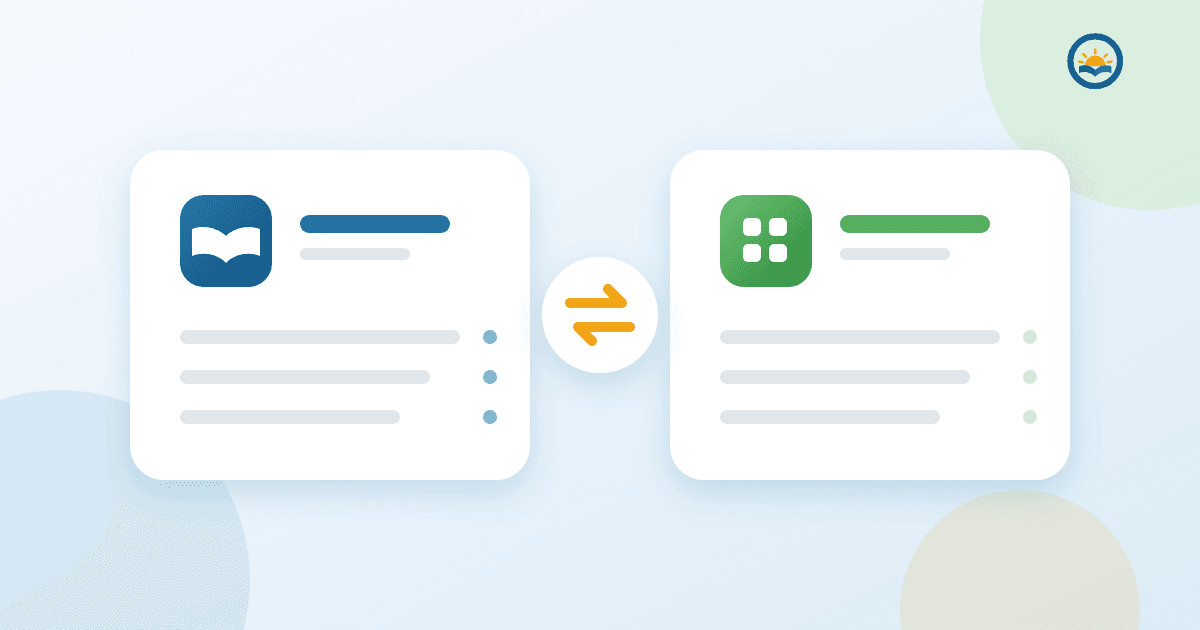
What is an integrated LMS and ERP?
An integrated LMS and ERP is one platform that handles both teaching tools (homework, materials, and class activity) and school operations (students, attendance, exams, and fees). Because both use the same student and class records, nothing has to be copied from one system to the other.
What goes wrong with two separate systems?
When a school uses a standalone LMS and a different ERP, the same facts live in two places. Teachers set up classes twice, enrolment changes must be repeated, and parents are asked to install two apps. Reports then need to be combined by hand, and small mismatches creep in.
What does integration change?
- One set of records. A student added to a class appears in both attendance and homework.
- One login and app. Parents and students use a single app instead of two.
- Consistent reporting. Results, attendance, and homework use the same student data.
- Less admin work. Class lists, sections, and subjects are set up once.
What does the LMS side include?
In Onexa ERP, the learning tools let teachers share homework and study materials and attach files for classes. Students and parents see this in the Onexa Campus app, and teachers manage it from the Onexa Teachers app or the web.
Who benefits most?
- Teachers work from one place instead of switching between tools.
- Parents see homework, attendance, and results together.
- Administrators keep one accurate record for each student.
- Management gets reports that draw on all areas.
What should you look for?
- Does the LMS use the same class and student lists as the ERP?
- Can teachers share homework and materials quickly from a phone?
- Do parents and students need only one app?
- Can the school switch the learning tools on when it is ready?
Is a standalone LMS ever the right choice?
Yes. A specialised LMS can suit schools with unusual teaching needs. Weigh that against the extra effort of keeping two systems in sync.
Next steps
Read what a school ERP includes and how modular systems work, or book a demo to see homework, materials, and attendance side by side.
Frequently asked questions
What is the difference between an LMS and an ERP?
An LMS supports teaching and learning, while an ERP runs school operations such as records, fees, and staff. An integrated platform covers both.
Do parents need two apps?
Not with an integrated platform. In Onexa ERP, parents and students use the Onexa Campus app for both academics and school information.
Can teachers share files with students?
Yes. Teachers can share homework, study materials, and files with their classes.
Can we start without the learning tools?
Yes. Because the ERP is modular, schools can start with administration and add the learning tools later.