

What Is a School ERP? Modules, Benefits and Features
A school ERP puts admissions, attendance, exams, fees, staff and parent communication in one system. See what it includes and how to tell if your school needs one.
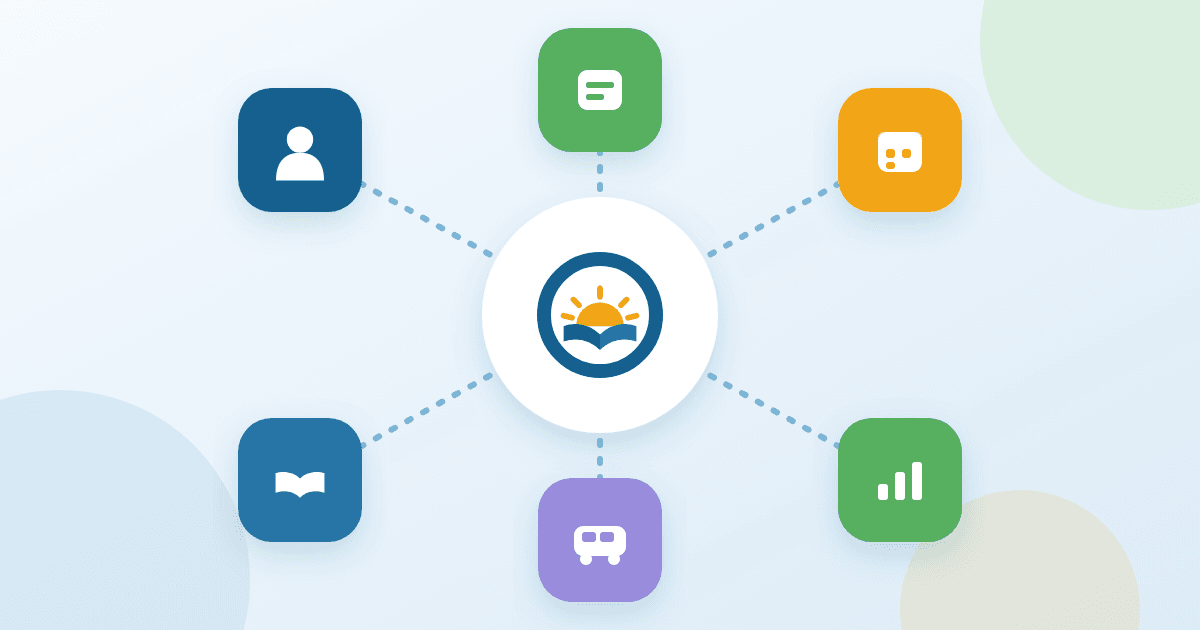
What is a school ERP?
A school ERP (enterprise resource planning) system is software that keeps a school's core operations in one shared system: admissions, student records, attendance, timetables, exams, fees, staff, and communication with parents. Instead of separate spreadsheets, registers, and apps that each hold a different copy of the truth, everyone works from the same records.
You will also hear the same idea called a school management system or school management software. "ERP" usually signals a wider scope that includes finance, human resources, and campus services as well as academics.
What does a school ERP include?
Most school ERPs are built from modules. A module is one area of work that can be switched on when the school needs it. Typical modules include:
- Students and admissions: applications, enrolment, profiles, guardians, and documents.
- Attendance: daily or period-wise attendance for students and staff.
- Timetable: class schedules, teacher allocation, and cover for absent teachers.
- Examination: exam schedules, marks entry, grading, report cards, and admit cards.
- Fees and accounts: fee structures, invoices, payment records, and receipts.
- Learning tools: homework, study materials, and files shared with classes.
- Campus services: library, hostel, transport, and inventory.
- Staff and payroll: staff records, leave, and salary processing.
- Communication: notices and notifications to parents, students, and teachers.
- Reports: summaries for management across all of the above.
Onexa ERP is organised the same way, so a school can start with the modules it needs first and add others later.
Who uses a school ERP?
Different people open the same system for different reasons:
- Administrators manage admissions, classes, and settings.
- Teachers mark attendance, enter marks, and share homework.
- Accounts staff raise fee invoices and record payments.
- Parents and students check attendance, results, homework, and notices from a mobile app.
- Management reviews reports without waiting for someone to compile them.
A good system shows each person only what their role needs, using role-based permissions.
What are the benefits of a school ERP?
The main benefit is one source of truth. When attendance, marks, and fees live in the same system, a student's record is consistent everywhere and nobody retypes the same information into three places. That usually means fewer errors, faster reporting, and clearer communication with parents.
What is the difference between a school ERP and an LMS?
An LMS (learning management system) focuses on teaching and learning: lessons, homework, and materials. A school ERP focuses on running the institution: records, fees, staff, and operations. Many schools need both, which is why a platform that includes learning tools alongside administration avoids double entry. Read more in LMS and ERP together.
How do you know if your school needs an ERP?
Consider an ERP if teachers keep separate registers, fee records are reconciled by hand, report cards take days to compile, or parents regularly ask the office for information they could see themselves. If that sounds familiar, the next step is to choose a school ERP carefully and plan a phased move from paper to digital.
Frequently asked questions
What is the difference between a school ERP and school management software?
The terms overlap. School management software usually covers academics and administration. A school ERP implies a wider scope that also includes finance, staff, and campus services in the same system.
Can small schools use a school ERP?
Yes. A modular ERP lets a small school start with a few modules, such as students, attendance, and fees, and add more later as its needs grow.
Is a school ERP only for administrators?
No. Teachers, accounts staff, parents, and students all use it, each with a role-based view. Parents and students typically use a mobile app.
Does a school ERP replace paper records completely?
It can, but most schools move in stages. A phased rollout lets staff learn one area at a time and keeps daily work running during the change.