

Parent-Teacher Communication Apps: Why Schools Need One
A parent-teacher app gives families timely updates on attendance, homework, results and notices. Learn why schools adopt one and what features matter.
What is a parent-teacher communication app?
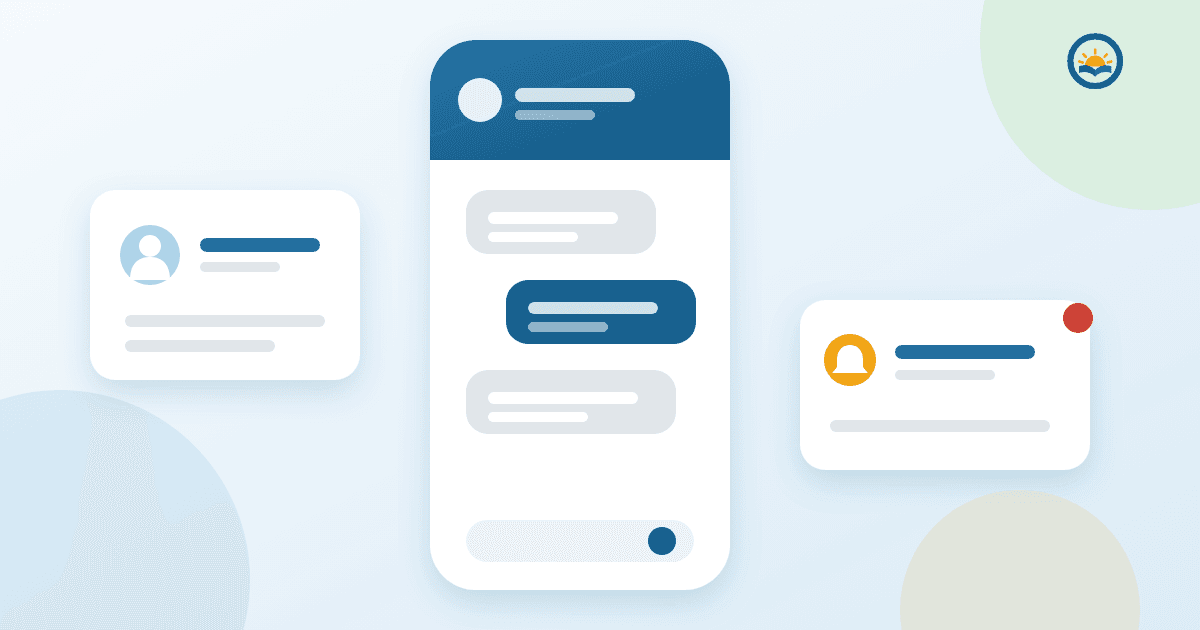
A parent-teacher communication app is a mobile app, connected to the school's records, that shares attendance, homework, results, fee information, and announcements with families. It replaces diaries, printed notices, and scattered group chats with one reliable channel.
Why does it matter?
Traditional communication depends on report cards, meetings, and occasional calls. Parents often learn about missed homework or absences long after they happen. With an app tied to the school system, information arrives when it is entered, so families can respond sooner.
What should the app show?
- Attendance so parents know when a child was absent.
- Homework and materials shared by teachers.
- Results and report cards once published.
- Fee information and upcoming dues.
- Notices and the school calendar for events and holidays.
- Messages between the school, teachers, and parents.
- Transport, library, and hostel information where the school uses those services.
How does Onexa ERP handle this?
Onexa ERP has two mobile apps. Onexa Campus is for parents and students, with attendance, homework, results, fees, messages, notifications, and more. Onexa Teachers is for staff, with attendance, marks, homework, messages, leave, and a school calendar. Both read from the same records as the web ERP, so nothing is copied by hand.
What makes a communication app work in practice?
- One source of truth. If teachers enter data once and the app shows it, parents can rely on it.
- Controlled sharing. Schools should decide who can send notices and who can see which records.
- Simple design. Parents will not use an app that is hard to navigate.
- Reasonable notifications. Too many alerts get ignored, so choose what is truly useful.
How can schools introduce it?
Announce the app early, explain what parents will see, and help families sign in during a school event. Start with a few notices and attendance, then add other features as parents get used to it.
Next steps
If you want to see both apps, request a demo. You can also read about digital attendance and fee collection, which are two of the most useful things to share with parents.
Frequently asked questions
Is there a separate app for parents and teachers?
Yes. Onexa Campus is for parents and students and Onexa Teachers is for staff. Both connect to the same school records.
What can parents see in the app?
Attendance, homework, results, fee information, messages, notifications, and the school calendar, depending on which modules the school uses.
Do teachers need to enter data twice?
No. Teachers enter attendance, marks, or homework once, and the apps and the web ERP read from the same records.
Can the school control what is shared?
Yes. Role-based permissions decide who can send notices and who can see which records.