

Digital Attendance for Schools: A Practical Guide
Digital attendance replaces paper registers with fast, searchable records. Learn how it works for students and staff and how parents get notified.
What is digital attendance?
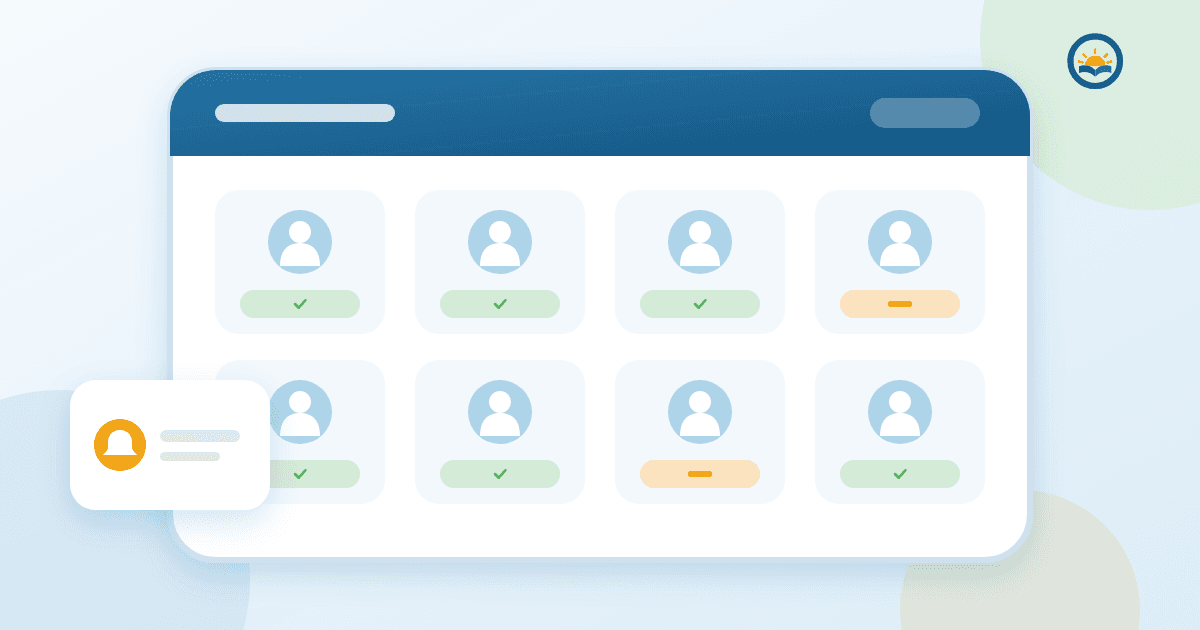
Digital attendance means teachers record who is present in an app or web screen instead of a paper register. The record is saved instantly in the school's system, so administrators, class teachers, and parents can see it without anyone copying it from a register.
Why do schools move away from paper registers?
Paper registers are slow to total, easy to misplace, and hard to search. If a parent asks how often a child was absent last term, someone has to count by hand. Digital records can answer that in seconds and show patterns by class, by day, or by student.
What can digital attendance cover?
- Daily attendance for each class, marked once at the start of the day.
- Period or lecture attendance where subjects are taught by different teachers.
- Staff attendance, for example by scanning a gate QR code with a teacher app.
- Leave and day-off handling, so planned absences do not look like unexplained ones.
Onexa ERP includes daily and lecture attendance for students, and staff check-in through a gate QR code scanned in the Onexa Teachers app.
How do parents benefit?
When attendance is saved, the system can notify parents through the parent app. They learn about an absence the same day instead of at the next meeting, which helps families follow up early. Parents can also review attendance history in the Onexa Campus app.
How do teachers benefit?
Marking attendance should take moments, not minutes. A clean class list, one tap per student, and a single submit button keep it quick. Teachers no longer need to prepare end-of-month totals because the system calculates them.
What should you check before choosing a system?
- Can teachers mark attendance quickly on a phone?
- Does it handle both daily and subject-wise attendance?
- Are parents notified, and can the school control what is sent?
- Can attendance feed directly into reports and report cards?
- Who can edit an entry after it is submitted, and is the change recorded?
How to start
Begin with one or two classes, let teachers get comfortable, and then roll out to the rest of the school. See our phased approach to going digital for a full plan, or talk to our team about attendance in Onexa ERP.
Frequently asked questions
Can digital attendance be marked on a phone?
Yes. In Onexa ERP, teachers can mark attendance from the Onexa Teachers mobile app as well as from the web.
Can parents see attendance?
Yes. Parents and students can review attendance in the Onexa Campus app and receive notifications.
Does digital attendance work for staff too?
It can. Onexa ERP supports staff check-in by scanning a gate QR code with the Onexa Teachers app.
What happens if a teacher makes a mistake?
A good system lets authorised users correct entries and keeps a record of the change. Check the permissions and history options when you evaluate software.