
The Complete Guide to Migrating to a Digital School Management System
A step-by-step blueprint for schools transitioning from paper-based legacy systems to a modern cloud ERP.
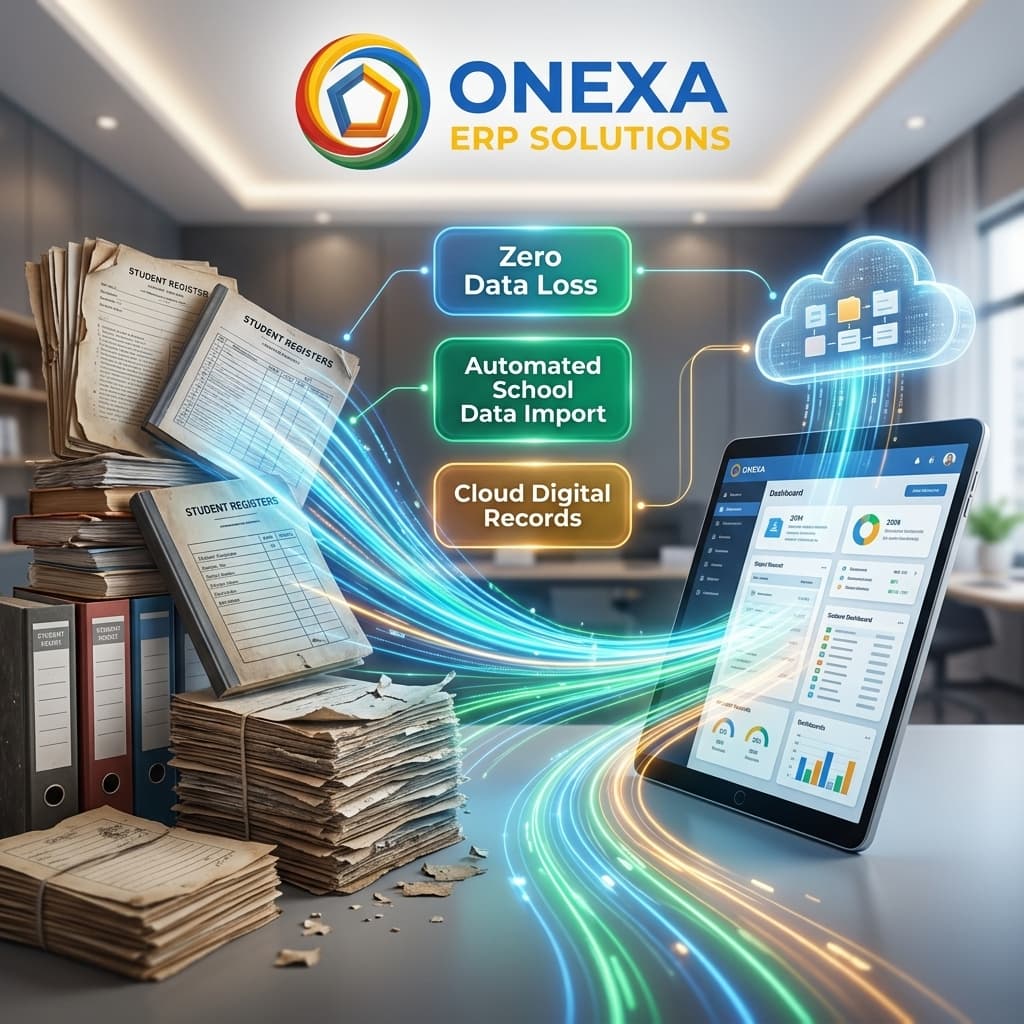
The Fear of Change
The biggest hurdle for schools adopting a new ERP isn't cost—it's the fear of the migration process. Moving decades of paper records, fragmented excel sheets, and legacy databases into a brand new cloud system can seem monumental and daunting. However, with a structured, methodical approach backed by experienced onboarding specialists, the transition can be smooth, disruption-free, and highly rewarding for all stakeholders involved.
Phase 1: Data Auditing and Cleanup
Before any data is migrated to Onexa ERP Solutions, schools must conduct a thorough data audit. This involves standardizing naming conventions across departments, removing duplicate parent profiles, and securely archiving inactive alumni student records. Clean data is the absolute foundation of a successful ERP implementation. Our onboarding team provides automated scripts to help IT departments instantly identify and merge duplicate or corrupted entries.
Phase 2: Phased Rollout and Training
Never launch an ERP to all stakeholders at once. A phased rollout strategy works best: start with admissions and finance teams, then train the teaching staff on the LMS, and finally release the mobile app to parents. Comprehensive, role-specific training sessions improve adoption, reduce friction, and make digital transformation easier to manage.