

Student Performance Analytics: Spot Learning Gaps Early
Student performance analytics combines marks, attendance and homework so teachers can notice learning gaps sooner. See what to track and how to act on it.
What is student performance analytics?
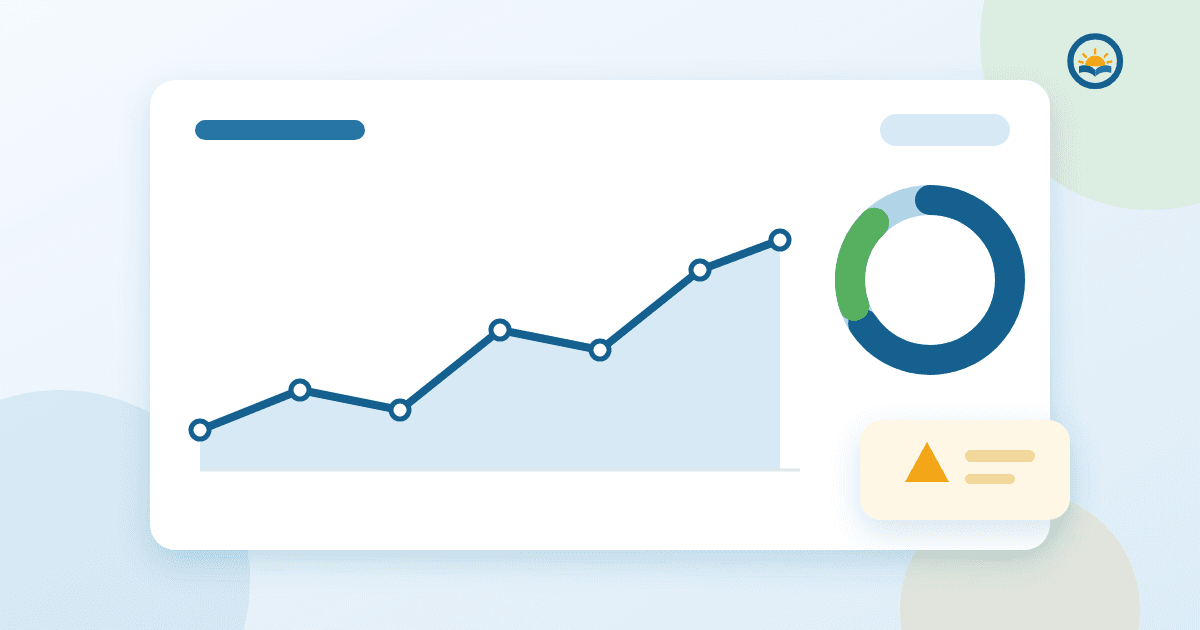
Student performance analytics means looking at marks, attendance, and homework together to understand how each student, class, and subject is doing. Instead of waiting for end-of-term results, teachers can see trends while there is still time to help.
Why are results alone not enough?
A final grade tells you how a student did, not why. A drop in marks may follow missed classes, incomplete homework, or difficulty with one topic. Looking at several signals together helps teachers ask better questions.
What data is worth tracking?
- Marks by exam and subject, to see strengths and weak areas.
- Attendance, because frequent absence often comes before falling results.
- Homework completion, which shows engagement between exams.
- Skills and co-scholastic areas, where the school records them.
- Class-level patterns, such as one subject where many students struggle.
Onexa ERP stores exam marks, grading, results, and skills together with attendance and homework, so these views come from the same records.
How can teachers use it?
Teachers can compare a student's recent marks with earlier ones, check attendance for the same period, and decide whether a conversation with the student or parents is needed. For a whole class, they can see which topics need re-teaching.
How can school leaders use it?
Leaders can review results across classes and subjects, check whether attendance affects outcomes, and decide where to support teachers. Reports make this routine instead of a special project.
What should schools be careful about?
- Context matters. Data raises questions; it does not give final answers about a child.
- Keep it private. Only the people who need performance data should see it, so use role-based access.
- Focus on support. The goal is to help students, not to label them.
- Data quality. Reports are only as good as the marks and attendance entered, so clean, consistent entry matters.
Getting started
Start by making sure marks and attendance are entered consistently, then use reports to review one class at a time. Read about digital attendance and what a school ERP includes, or ask for a demo to see the reports.
Frequently asked questions
Does analytics replace a teacher's judgement?
No. Data shows patterns and raises questions, but teachers know the student and make the decisions.
What data do we need to start?
Consistent marks and attendance. Homework and skills data add useful context when the school records them.
Who should see student performance data?
Only people who need it for their role. Role-based permissions let the school control this.
Can parents see results in the app?
Yes. Parents and students can view published results in the Onexa Campus app.