

School ERP Implementation Checklist: Your First 90 Days
A school ERP succeeds or fails in the first 90 days. This week-by-week implementation checklist covers setup, data import, training, pilot, go-live and review so your rollout is calm instead of chaotic.
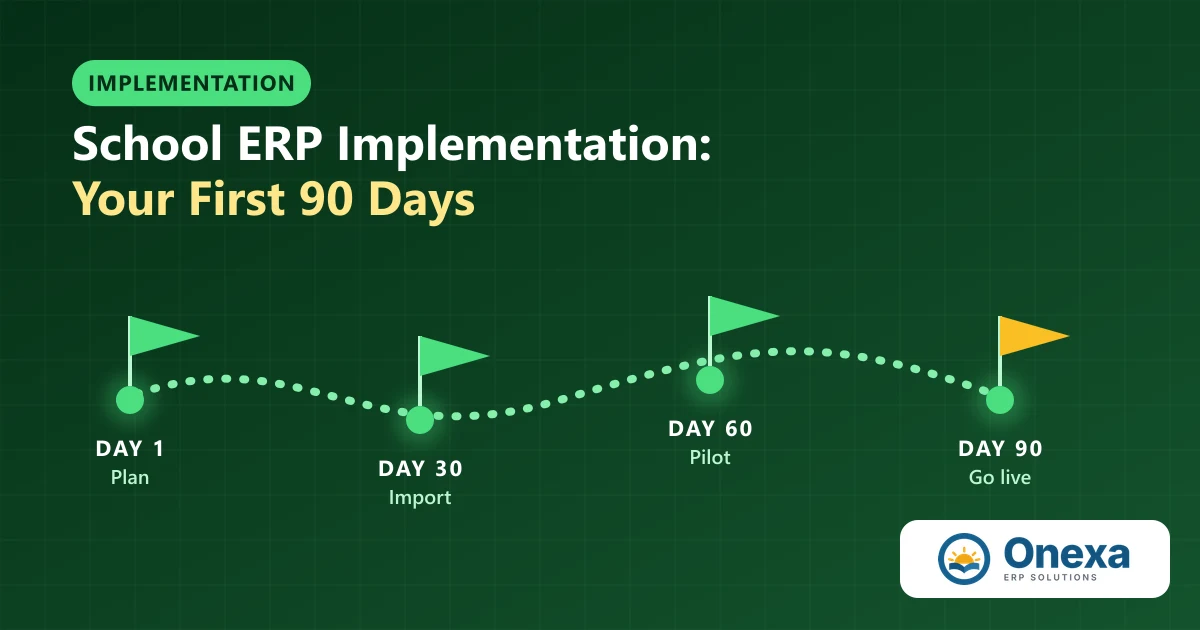
Buying the software is the easy part. A school ERP only helps once teachers, accounts and parents use it daily, and that depends on how you roll it out. This school ERP implementation checklist breaks the first 90 days into clear phases so the rollout is calm and nobody is surprised.
Before day 1: decide the basics
- Name an owner. One person at school who coordinates with the vendor.
- Form a core team: accounts, front office, one or two teachers, and someone from the principal's office.
- Pick the first modules. Start with student records, attendance and fees. Add exams, transport and others later. See modular ERP.
- Choose a start date at a term or session start if possible.
- List success measures, such as attendance marked by 9 a.m. every day or all fee receipts issued from the system.
Days 1 to 15: setup
- Academic session, classes, sections and subjects are created.
- Roles and permissions are set: who can see and change what.
- Fee heads, categories and structures are configured per class.
- Holidays and school timings are entered.
- Branding and basics such as school name and logo are added.
- Teachers are assigned to sections and subjects.
Write down decisions as you go, such as due dates, late fine rules and concession policy. They become your reference.
Days 10 to 30: data import
Good data is the foundation. Do not rush this.
- Clean your files first: remove duplicates, fix spelling, check dates of birth and phone numbers.
- Import students and staff from Excel in bulk.
- Spot-check a sample: open ten records and compare them with source documents.
- Load opening fee balances carefully and have accounts verify them.
- Fix errors early. Parent phone numbers matter because they become logins.
Days 20 to 40: training by role
One long session for everyone is a mistake. Train in short sessions by role:
| Role | Focus |
|---|---|
| Teachers | Marking attendance and the Teachers app |
| Accounts | Fee structures, invoices, receipts, reports |
| Front office | Admissions, certificates, visitors |
| Principal | Approvals, reports, dashboards |
| HR | Staff records, leave, payroll if used |
Give each person a one-page cheat sheet with screenshots for their top three tasks.
Days 30 to 50: pilot
Run the system for real, but small:
- Pick one or two classes for attendance and one fee cycle.
- Collect issues in a shared list.
- Hold a weekly 20-minute review with the core team.
- Fix configuration problems before widening.
A pilot protects you from rolling out a mistake to the whole school.
Days 45 to 65: go-live
- Switch all classes to digital attendance.
- Raise real invoices from the system and issue receipts.
- Stop parallel registers on an agreed date, so you do not keep two systems forever.
- Have the vendor contact on call for the first weeks.
Days 55 to 75: bring parents in
Parents judge the school by what they can see. Plan it:
- Check phone numbers are correct.
- Send a short guide with the school code and login steps.
- Start with notices, attendance and fees before more features.
- Offer help at the front desk during the first week.
Read school mobile apps for what parents see.
Days 70 to 90: expand and review
- Add the next module, such as exams, transport or library.
- Review what worked and what did not with each role.
- Check your success measures from the start.
- Update training for new staff.
- Decide the plan for the next quarter.
Weekly rhythm throughout
| Week | Focus |
|---|---|
| 1-2 | Setup and roles |
| 3-4 | Data import and checks |
| 5-6 | Training and pilot start |
| 7-8 | Pilot review and fixes |
| 9-10 | Go-live, parallel registers stop |
| 11-12 | Parent onboarding and first review |
| 13 | Next module plan |
Risks and how to reduce them
- Messy data. Clean before import.
- Resistance from staff. Show them time saved on their own tasks.
- No owner. Name one person with authority.
- Too many modules at once. Start small.
- Running two systems forever. Set an end date for old registers.
Checklist you can print
- Owner and core team named
- First modules chosen
- Session, classes, subjects and roles set up
- Fee structures configured and checked
- Students and staff imported and verified
- Role-based training done
- Pilot run and issues fixed
- Go-live date and old register stop date agreed
- Parents onboarded
- Review held and next module planned
Roles and responsibilities during rollout
A rollout succeeds when everyone knows their part:
| Role | Responsibility |
|---|---|
| Principal or director | Sponsors the change, announces the date, backs the new process |
| ERP owner at school | Coordinates with the vendor, tracks issues, runs weekly check-ins |
| Accounts lead | Verifies fee structures and opening balances |
| Front office | Checks student data, handles parent questions |
| Teacher champions | Try features first, help colleagues |
| Vendor contact | Setup, training and fixes |
If a role has no named person, assign one before day 1.
What to measure at day 30, 60 and 90
Pick a few simple measures, and look at them regularly:
- Day 30: percentage of students imported and verified; training sessions completed.
- Day 60: percentage of classes marking attendance digitally; number of fee receipts issued from the system.
- Day 90: percentage of parents logged in to the app; support tickets per week trending down.
These numbers tell you whether adoption is real. See attendance software and fee management software for what to expect in the two most common first modules.
How to handle resistance
Some people will resist, and that is normal. Respond with respect:
- Listen first. Often the concern is real, such as a missing feature or a confusing screen.
- Show a benefit for their own job, not just the school's.
- Pair them with a teacher champion.
- Keep sessions short and practical.
- Fix small problems fast so confidence grows.
A communication plan
People adopt change faster when they hear it clearly and often:
- Before launch: tell staff why, what changes, and when.
- During training: give cheat sheets and a contact for help.
- At go-live: send a simple message to parents. See school mobile apps.
- After one month: share what improved, and thank the team.
If you are unsure about scope, ask your vendor about pricing and phases so the plan and the budget match.
Implementation: myths and facts
Myth: implementation is the vendor's job alone. Fact: the school owns the rollout. The vendor supports.
Myth: training everyone once is enough. Fact: short, role-based sessions plus follow-ups work better.
Myth: you must switch on every module on day one. Fact: starting with attendance and fees and adding more is safer.
Key implementation terms explained
- Pilot: a small, real trial with one or two classes.
- Go-live: the date when the whole school starts using the system.
- Parallel run: using the old and new systems together for a short, fixed time.
- Data migration: moving existing records into the new system.
- Cheat sheet: a one-page guide for a role's most common tasks.
- Adoption: the share of people actually using the system.
School ERP implementation: summary
A good school ERP implementation is a plan, not an event. Prepare, set up, import clean data, train by role, pilot, go live, bring parents in and review. With a clear owner and a phased rollout, the first 90 days set the habit for years. For the thinking behind this, read our guide to moving from paper to a school ERP, and start with attendance, the module that shows value fastest.
Related reading
- Best school ERP in Haryana: choosing an ERP for schools in the state.
- School ERP pricing in India: what decides the cost.
- Free vs paid school software: what free tools leave out.
- School software vs spreadsheets: what spreadsheets really cost you.
- School attendance software: biometric, QR check-in and parent view.
- School fee management software: structures, installments and late fines.
- School parent and teacher mobile app: Onexa Campus and Onexa Teachers.
- School admission management software: from enquiry to enrolment.
- LMS for schools: homework, live classes and doubts.
- Best school ERP in India: a buyer's guide for Indian schools.
Next step
Book a demo and we will walk through a rollout plan built around your school, your modules and your calendar.
Frequently asked questions
How long does school ERP implementation take?
It depends on scope, but a phased rollout over roughly 90 days is a sensible plan: preparation and setup, data import and training, a pilot, then full go-live. Starting with fewer modules shortens it.
Who should lead the implementation at school?
Name one internal owner, ideally an administrator with authority, and a small team that includes accounts, front office and teachers. The vendor supports, but the school owns the rollout.
What is the hardest part of implementation?
Usually data quality and staff adoption, not the software. Clean student and staff lists and short role-based training solve most problems.
Should we start at the beginning of the academic year?
A term or session start is ideal, because records are being created anyway. If you must start mid-year, begin with attendance and fees and add other modules later.
Related articles
- School ERP GuidesBest School ERP Software in Haryana: How to Choose the Right One
- School ERP GuidesSchool ERP Pricing in India: What Decides the Cost and How to Compare Quotes
- School ERP GuidesFree vs Paid School Management Software: What Free Tools Leave Out
- School ERP GuidesSchool Management Software vs Spreadsheets: What the Spreadsheet Really Costs You
- AttendanceSchool Attendance Software with Biometric and QR Check-in
- FeesSchool Fee Management Software: Structures, Installments and Late Fines