

Automated Timetable Generation for Schools Explained
School timetables must balance teachers, rooms and subjects. Learn what timetable software should handle, from conflict checks to covering absent teachers.
Why is a school timetable hard to build?
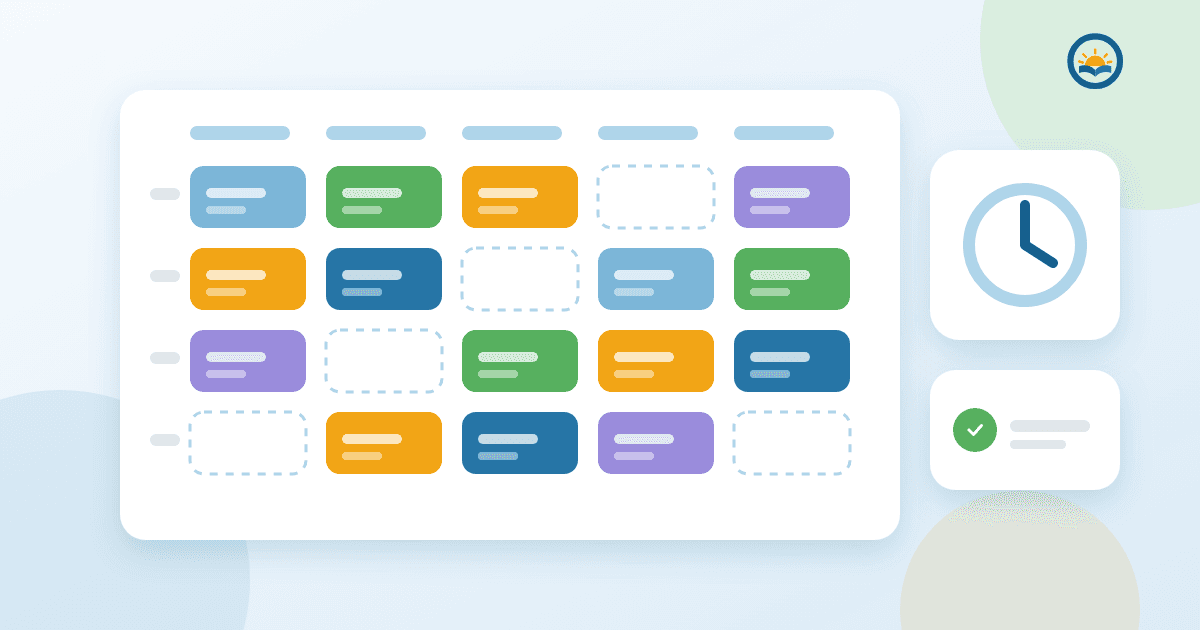
A timetable has to place every class, subject, and teacher into limited periods and rooms without clashes. Teachers may work across several classes, some subjects need double periods or labs, and rooms are shared. Doing this by hand can take a long time, and a late change can disturb the whole plan.
What should timetable software handle?
- Conflict checks, so a teacher or room is never booked twice in the same period.
- Teacher workload, so one teacher is not overloaded while another has gaps.
- Subject rules, such as double periods, labs, or sports slots.
- Class and section views, so every class sees its own timetable.
- Easy edits, because plans change during the year.
- Cover for absent teachers, so lessons do not go unsupervised.
How does Onexa ERP help?
Onexa ERP includes a timetable module for class schedules and entries, and a cover planner that shows which periods need cover when teachers are on leave or absent, so substitutes can be arranged for the day. Timetables sit with the rest of the school's records, so they match classes, teachers, and subjects already set up.
What does "automated" mean?
Some tools only help you place periods by hand and flag clashes. Others can suggest a full draft schedule from your rules. Whichever approach a system uses, check how much manual work remains, how easy it is to change one period, and whether conflicts are caught immediately.
How can schools plan a good timetable?
- Collect teacher availability and subject requirements before you start.
- Fix the periods and breaks for each day.
- Mark special rules such as labs and shared electives.
- Build a draft, review it with department heads, and adjust.
- Publish it to staff, students, and parents.
How do you handle mid-year changes?
Leave, new staff, or room changes are normal. Pick a system where changing one entry is quick and the effect on others is visible straight away. Cover planning saves time when teachers are absent.
Next steps
Timetables connect with attendance and exams, so look at how the whole system fits together in what a school ERP includes. To see the timetable and cover planner, book a demo.
Frequently asked questions
Can timetable software prevent clashes?
Good software warns you when a teacher or room is booked twice in the same period. Check how clearly a system shows this when you evaluate it.
How are absent teachers handled?
Onexa ERP includes a cover planner that shows which periods need cover when teachers are on leave or absent, so substitutes can be arranged.
Can the timetable be changed after it is published?
Yes. Plans change during the year, so choose a system where editing one entry is simple and the effects are visible.
Do exams have a separate timetable?
Onexa ERP includes an exam timetable alongside the regular class timetable.